

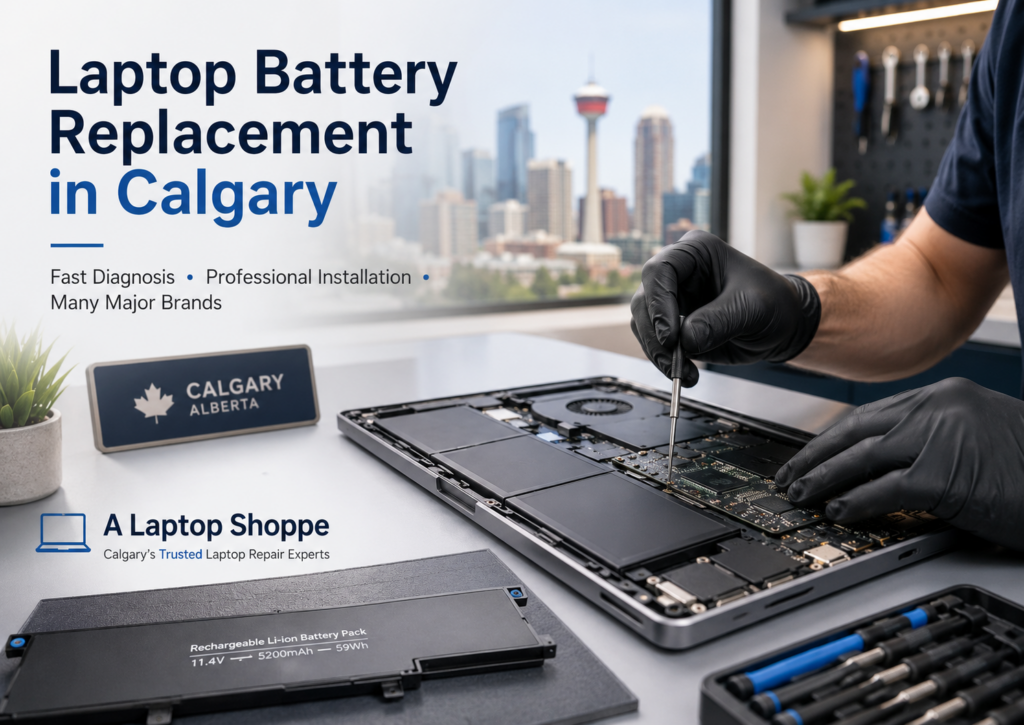
A laptop battery that drains quickly, refuses to charge, or causes the computer to shut down unexpectedly may need to be replaced. However, similar symptoms can also be caused by a defective charger, damaged charging port, software problem, or motherboard fault.
At A Laptop Shoppe, we inspect the complete charging system before recommending a replacement. Our Calgary technicians service laptops from Lenovo, HP, Dell, Acer, ASUS, MSI, Dynabook, Apple, and other major manufacturers.
When Does a Laptop Battery Need to Be Replaced?
A laptop battery may need replacement when it no longer provides dependable portable power, cannot charge normally, or begins to swell.
Common warning signs include:
- Battery power draining much faster than before
- The computer shutting down before reaching zero percent
- The battery no longer charging completely
- A “plugged in, not charging” message
- The laptop working only when connected to power
- Excessive heat near the battery
- The touchpad, keyboard, palm rest, or bottom cover lifting
- The laptop rocking instead of sitting flat
- A battery warning appearing in Windows or macOS
Battery performance naturally declines over time. Replacing a worn battery may extend the useful life of a laptop that otherwise operates properly.
How Long Does a Laptop Battery Last?
There is no single lifespan for every laptop battery.
Battery life depends on factors such as:
- The number of charging cycles
- Battery quality
- Operating temperature
- Charging habits
- Laptop power requirements
- How frequently the computer is used
- The age and condition of the battery
Some batteries continue working for several years but gradually provide less operating time. Others may fail earlier because of heat, physical damage, manufacturing defects, or charging-system problems.
A battery-health report can provide useful information, but physical inspection and testing may still be required to determine the cause of a problem.
What Should You Do if a Laptop Battery Is Swollen?
Stop using a laptop with a visibly swollen battery and have it inspected.
A swollen battery can place pressure on the touchpad, keyboard, casing, screen, and internal components. Warning signs may include:
- A raised or difficult-to-click touchpad
- Separation between the bottom cover and casing
- A lifting keyboard or palm rest
- A bulge in the bottom of the laptop
- Unusual gaps around the casing
- The computer no longer sitting evenly on a table
Do not puncture, bend, squeeze, or attempt to flatten the battery. Avoid pressing the casing back into position.
Disconnect the charger when it is safe to do so, shut down the computer, and arrange for professional inspection. A swollen lithium battery requires careful handling and proper disposal.
Is the Battery Actually Causing the Charging Problem?
Not every charging problem is caused by the battery.
A laptop that does not charge may have a problem with:
- The AC adapter
- The detachable power cord
- The DC power jack
- The USB-C charging port
- The internal charging cable
- The motherboard charging circuit
- Battery-management software
- The operating system
- The battery itself
For example, a damaged charging port may cause intermittent charging when the connector is moved. An incorrect USB-C adapter may power the laptop but not provide enough wattage to charge the battery properly.
Testing the charging system before ordering parts helps avoid replacing the wrong component.
What Does A Laptop Shoppe Check?
Our battery and charging-system assessment may include:
- Inspecting the laptop for battery swelling or casing damage
- Checking the AC adapter and power cable
- Testing the charging port
- Reviewing available battery-health information
- Checking whether the battery is detected properly
- Testing charging and discharging behaviour
- Inspecting the laptop for overheating
- Confirming the exact laptop model and battery part number
- Identifying suitable replacement options
- Providing a repair quote before proceeding
The required testing may vary depending on the laptop and the symptoms being reported.
Can a Laptop Battery Be Repaired?
Laptop batteries are normally replaced rather than repaired.
Modern laptop batteries contain sealed lithium cells and electronic control components. Opening, rebuilding, or puncturing a battery can create a serious safety risk.
Installing an appropriate replacement battery is generally the safest and most reliable solution when the original battery has failed.
Can You Replace an Internal Laptop Battery Yourself?
Many newer laptops use internal batteries that require the computer to be opened.
Battery replacement may involve:
- Removing delicate bottom-cover clips
- Disconnecting internal cables
- Working close to the motherboard
- Removing screws of different sizes
- Separating adhesive
- Transferring brackets or wiring
- Checking for damage caused by swelling
- Reassembling the casing correctly
- Testing the charging system afterward
Thin laptops, MacBooks, touchscreen computers, and convertible models can be especially delicate.
Professional installation can reduce the risk of damage during disassembly and allows the battery and charging system to be tested after installation.
Is Laptop Battery Replacement Worth It?
Battery replacement may be worthwhile when:
- The laptop still performs well
- The screen, keyboard, casing, and motherboard are in good condition
- The computer meets your everyday needs
- You need to use the laptop away from a power outlet
- The replacement cost is reasonable compared with buying another computer
- Important applications are already installed and configured
The overall condition and age of the laptop should also be considered. If the computer has several unrelated problems, replacement may not always be the most economical option.
Our technicians can provide an assessment and explain the available options before you make a decision.
How Can You Extend Laptop Battery Life?
Battery wear cannot be completely prevented, but these practices may help reduce unnecessary deterioration:
- Keep the laptop away from excessive heat
- Do not leave it in a hot or freezing vehicle
- Use the correct manufacturer-approved charger or a properly rated replacement
- Keep cooling vents clear
- Avoid low-quality or underpowered adapters
- Install important manufacturer and operating-system updates
- Have overheating problems corrected
- Do not continue using a visibly swollen battery
- Store an unused laptop in a cool, dry location with a partial charge
Normal battery wear will still occur over time, even when the laptop is used carefully.
OEM and Compatible Laptop Batteries
OEM Battery
An OEM battery is made or supplied for the laptop manufacturer. It may offer the closest match to the original specifications, but it can be more expensive or unavailable for older models.
Compatible Battery
A compatible battery is manufactured by another supplier for use with a specific laptop model. Quality and compatibility can vary, so the exact specifications and supplier should be carefully checked.
When options are available, we explain the differences in price, estimated arrival time, and applicable warranty before the customer decides how to proceed.
Frequently Asked Questions
Why does my laptop turn off when I unplug it?
The battery may no longer hold a usable charge, but the problem could also involve a loose battery connection or another internal power fault. Testing is recommended before replacing parts.
Why does my battery percentage suddenly drop?
A worn battery may report its remaining capacity inaccurately. The computer may display a reasonable percentage and then shut down unexpectedly.
Why does my laptop say “plugged in, not charging”?
Possible causes include a defective battery, incorrect charger, damaged charging port, battery-temperature issue, software problem, or motherboard fault.
Can a swollen battery damage a laptop?
A swollen battery can place pressure on the touchpad, keyboard, casing, screen, and internal components. Prompt inspection may help prevent additional physical damage.
Can you replace a MacBook battery?
A Laptop Shoppe services many Apple MacBook models. Availability, repair procedure, and pricing depend on the exact model and its condition.
Do you replace batteries in business laptops?
Yes. We service many business-class Lenovo ThinkPad, HP EliteBook and ProBook, Dell Latitude and Precision, Dynabook Tecra, and other commercial laptop models.
How much does laptop battery replacement cost?
Pricing depends on the laptop model, battery availability, battery type, installation requirements, and whether there is related damage. The model number or serial number is required to check the correct part and provide an accurate quote.
How long does battery replacement take?
The turnaround time depends on part availability, the laptop design, and whether additional testing or repairs are required. An estimated timeframe can be provided after identifying the correct battery.
Professional Laptop Battery Replacement in Calgary
A Laptop Shoppe has provided computer and laptop services in Calgary for more than 30 years.
Our technicians can inspect the battery and charging system, identify the correct replacement part, explain available options, complete the installation, and test the laptop before it is returned.
We work on many major laptop brands, including:
- Lenovo
- HP
- Dell
- Acer
- ASUS
- MSI
- Dynabook
- Apple MacBook
- Other major manufacturers
Providing the complete model number or serial number helps us identify the correct battery and confirm availability.
Contact A Laptop Shoppe
Contact our Calgary service centre when your laptop battery drains quickly, fails to charge, shuts down unexpectedly, or shows signs of swelling.
A Laptop Shoppe
Bay 3, 2280 39 Avenue NE
Calgary, Alberta T2E 6P7
Phone: 403-274-5190
Email: support@alaptopshoppe.com
Business hours: Monday to Friday, 9:00 a.m. to 4:00 p.m.
A diagnostic assessment may be required when the cause of the charging problem cannot be confirmed from the symptoms alone.