

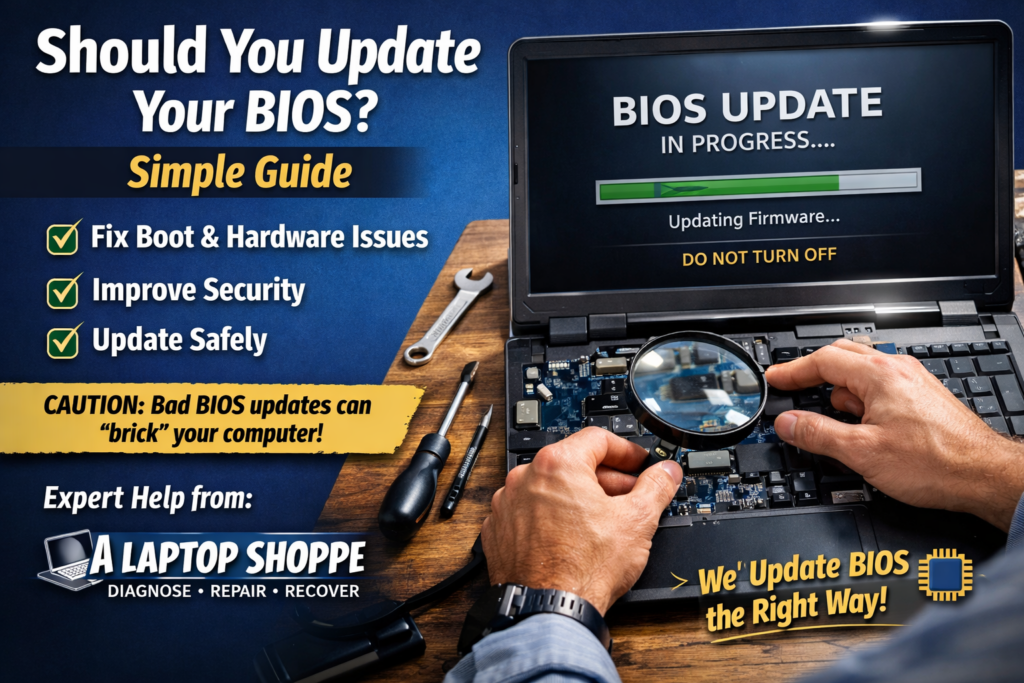
If you’ve ever had a computer that won’t boot, freezes, or acts strange after an update, you may have heard the advice: “Update the BIOS.”
Here’s a simple explanation of what that means and when to do it.
What is BIOS?
The BIOS is the small program on your motherboard that starts your computer before Windows loads.
Without it, your PC can’t turn on properly.
Think of it as the computer’s starter engine.
What is a BIOS update?
A BIOS update installs a newer version of that startup software from the manufacturer (Dell, HP, ASUS, Lenovo, etc.).
Updates usually fix:
Bugs and crashes
Hardware compatibility issues
Security problems
Boot and power issues
When should you update BIOS?
You should update if your computer has problems like:
Won’t turn on or boot properly
Freezing or random shutdowns
Hardware not being detected
Issues after Windows updates
Manufacturer recommends the update
If your computer works perfectly, you usually don’t need to update it.
Is updating BIOS risky?
It can be if done wrong.
If power is lost or the wrong file is installed, the computer may not turn on at all.
That’s why it must be done carefully with the device plugged into power.
Good news: modern computers are much safer to update than older ones.
Basic update process
Download the BIOS from the manufacturer website
Plug the computer into power
Run the update tool
Wait while the computer restarts and installs it
Never turn off the computer during the update.
Quick summary
BIOS updates:
Fix stability and compatibility problems
Improve security
Should only be done when needed
Must be done carefully
When done properly, a BIOS update can fix issues that normal troubleshooting can’t.
Need help?
At A Laptop Shoppe, we safely perform BIOS and firmware updates as part of professional diagnostics and repair.
If your computer is having boot issues, freezing, or hardware problems, we can help determine whether a BIOS update is the right solution and perform it safely for you.
Contact us Today!
📍 #3, 2280 39 Ave NE, Calgary, AB T2E 6P7
📞 403-274-5190
📧 support@alaptopshoppe.com